

Appearance

People
Introduction
The Horilla CRM People Section serves as a comprehensive hub for managing all individual and organizational contact information within your system. This section integrates two distinct but complementary modules: Accounts and Contacts. The Accounts module handles corporate entities and their business relationships, while the Contacts module manages individual contact records. Together, they provide a unified platform to maintain complete relationship data, track interactions, and foster stronger business connections. By seamlessly connecting account information with individual contacts, the People Section enables businesses to gain a 360-degree view of their customer base and streamline communication across their organization.
Key Features and Functionalities
2.1 People Section Overview
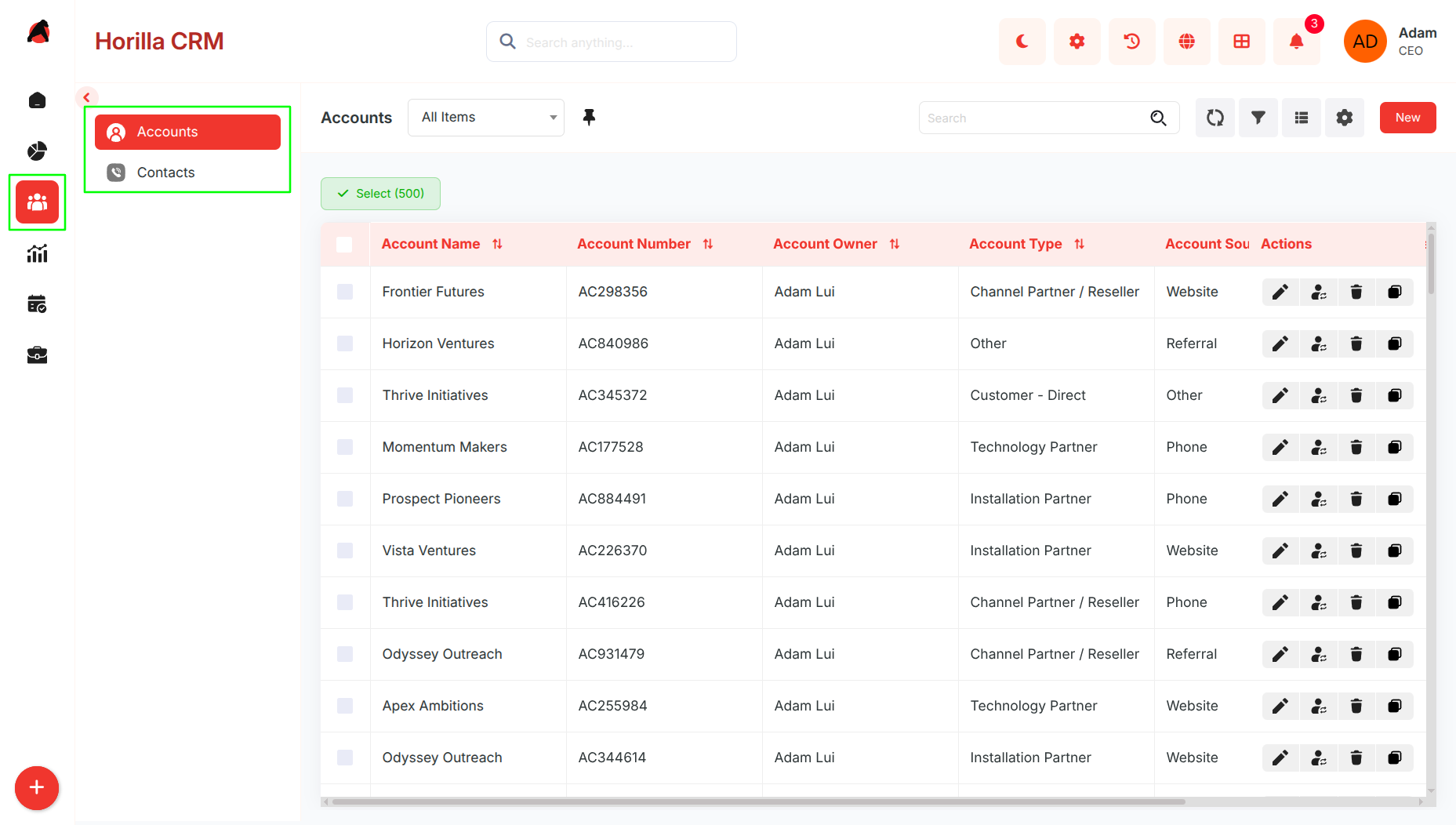
Purpose: Provide a centralized access point to manage all account and contact data within the organization.
Access: People section in the sidebar with two sub-sections:
- Accounts
- Contacts
Key Features:
- Single navigation point for all people and organizational relationship management
- Organized into Accounts (corporate entities) and Contacts (individual contacts)
- Search, filtering, and bulk operations available across both sub-sections
- List and Kanban view options for flexible data visualization
- Seamless integration between accounts and contacts for comprehensive relationship tracking
2.2 Accounts Module
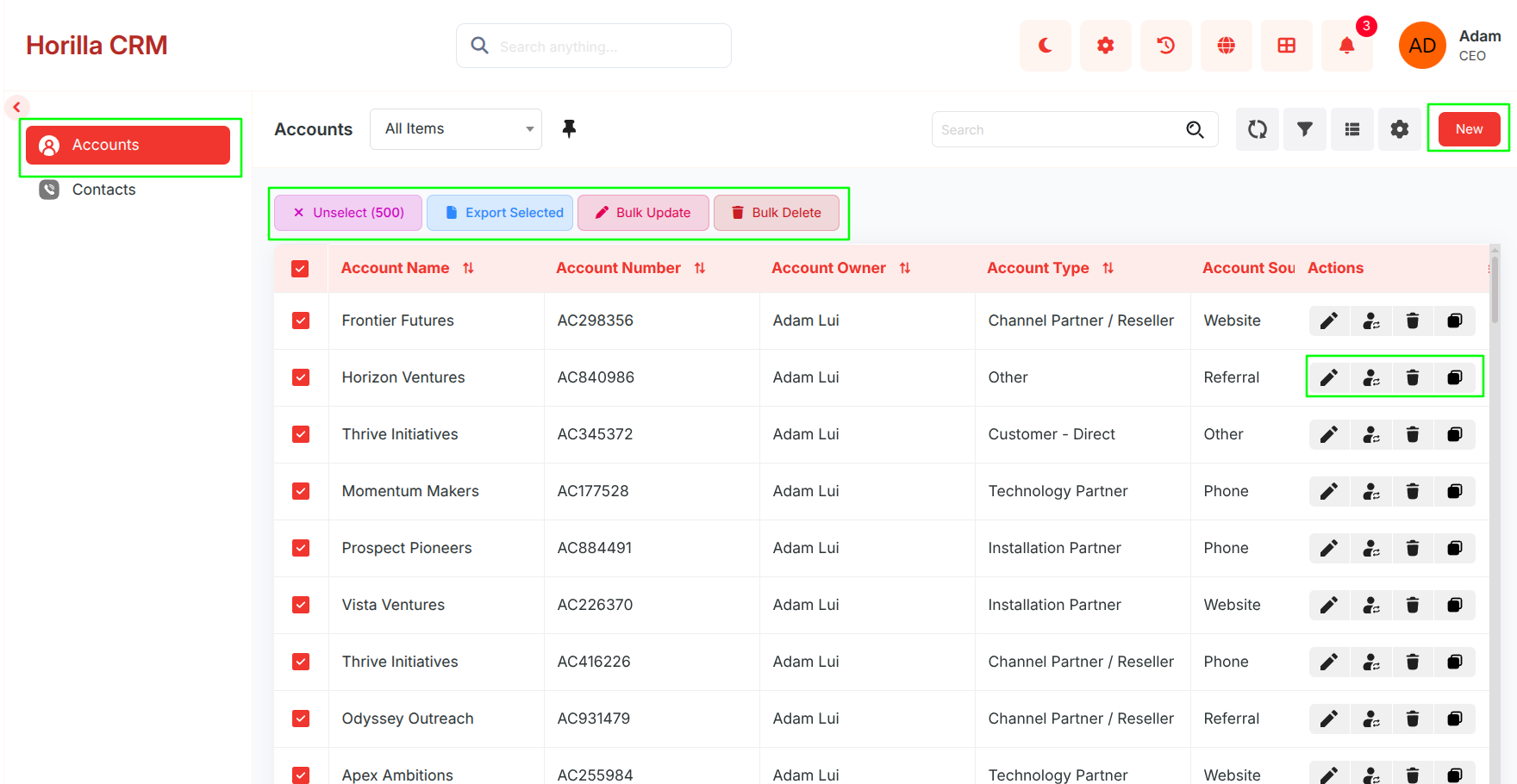
Purpose: Manage corporate entities, business relationships, and account lifecycle.
Access: People → Accounts
Key Features:
- View all accounts in a consolidated list with search and filtering capabilities
- Create new accounts with multi-step forms (Basic Information, Additional Details)
- Edit account details with inline editing
- Track activities (tasks, meetings, calls, emails) related to each account
- View related records: Child Accounts, Related Contacts, Opportunities, and Partners
- Monitor account history and changes over time
- Bulk operations: Edit, Export, Delete multiple accounts
2.3 Contacts Module
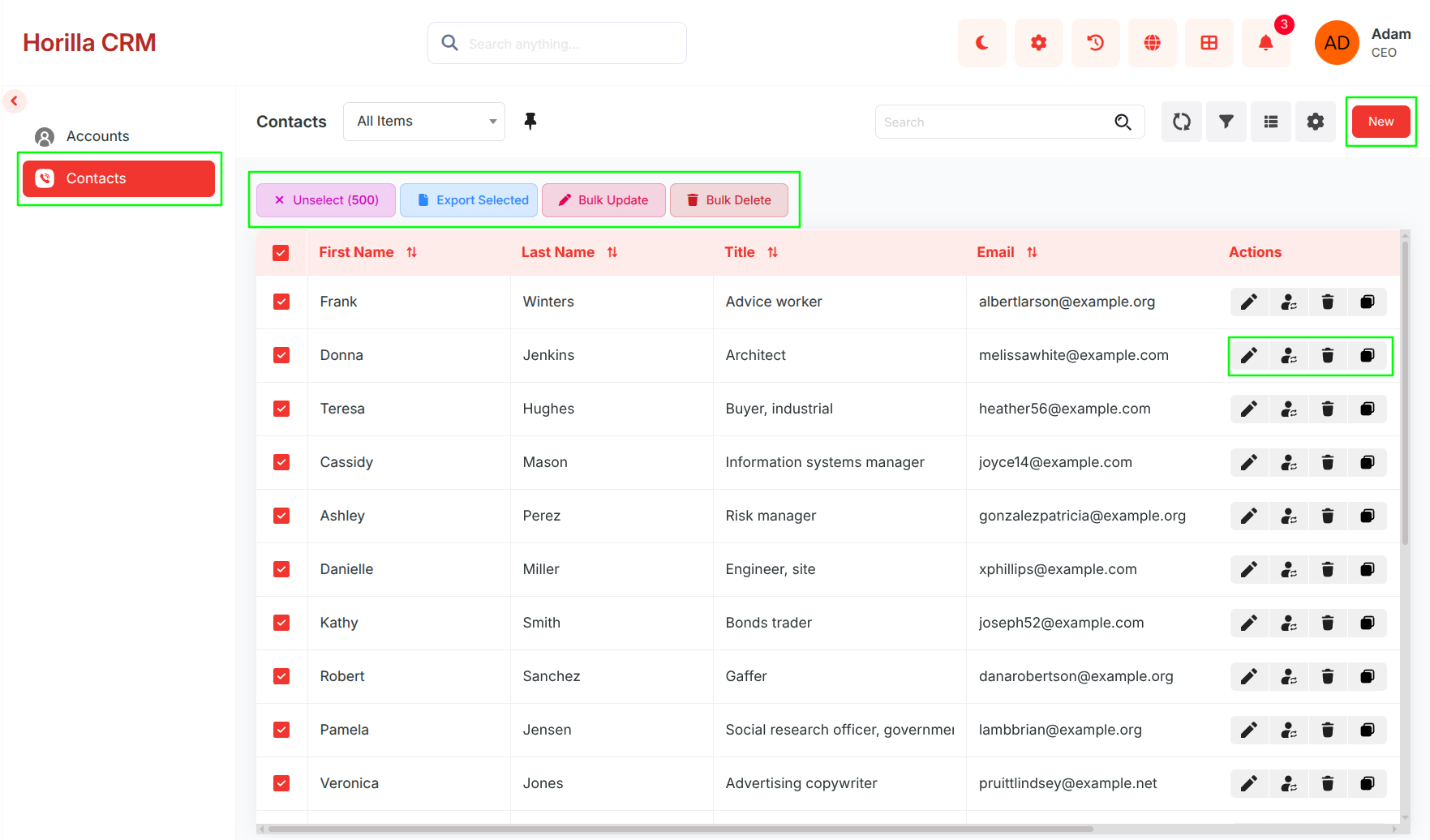
Purpose: Manage individual contact records and maintain personal relationship information.
Access: People → Contacts
Key Features:
- View all contacts in a centralized list with search, sorting, and filtering
- Create new contacts with multi-step forms (Contact Information, Address Information, Additional Information)
- Edit contact details with inline editing
- Track activities and interactions related to each contact
- Access detailed information including personal details, addresses, and relationship history
- View related interactions and communications
- Bulk operations: Update, Export, Delete multiple contacts
- Monitor contact history and changes over time
2.4 Integration and Navigation
Purpose: Enable seamless workflow between accounts and contacts for complete relationship management.
Key Features:
- Related Contacts section in Account details for viewing people connected to an account
- Parent Account reference in Contact details to identify associated accounts
- Drag-and-drop functionality in both Kanban views for quick status or source updates
- Cross-module linking for viewing related opportunities, activities, and communications
- Unified search across both Accounts and Contacts for quick information retrieval