

Appearance
Sales – Functional Guide
Introduction
The Horilla CRM Sales Section is a comprehensive suite designed to manage the complete sales lifecycle — from lead generation to deal closure and performance forecasting. This section integrates four powerful modules: Leads, Campaigns, Opportunities, and Forecasts. Together, they provide businesses with an integrated platform to capture potential customers, execute marketing activities, manage ongoing deals, and monitor sales targets.
1. Sales Section Overview
Purpose: Provide a centralized workspace for managing all sales-related data and activities.
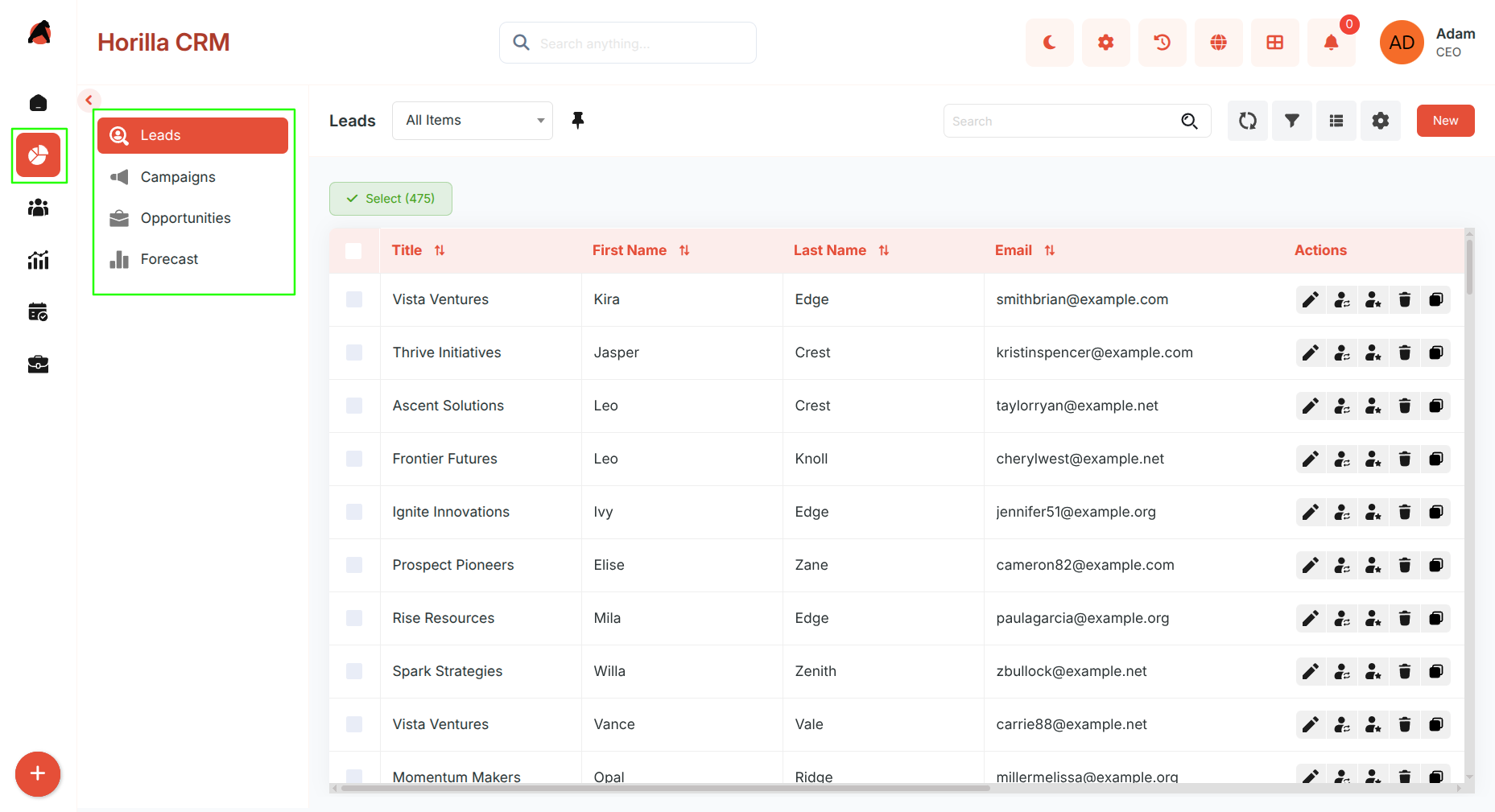
Access: Navigate to the Sales section in the sidebar, which includes four sub-sections: Leads, Campaigns, Opportunities, and Forecasts.
Key Features:
- Unified access to all sales modules.
- Integrated workflows between marketing, sales, and forecasting.
- Search, filtering, and bulk operations across modules.
- Multiple view options for flexible visualization.
- Seamless transition of records across modules (e.g., Lead → Opportunity).
- Real-time progress and performance tracking.
1.1 Leads Module
Purpose: Manage and convert potential customers into qualified sales opportunities.
Access: Sales → Leads
Key Features:
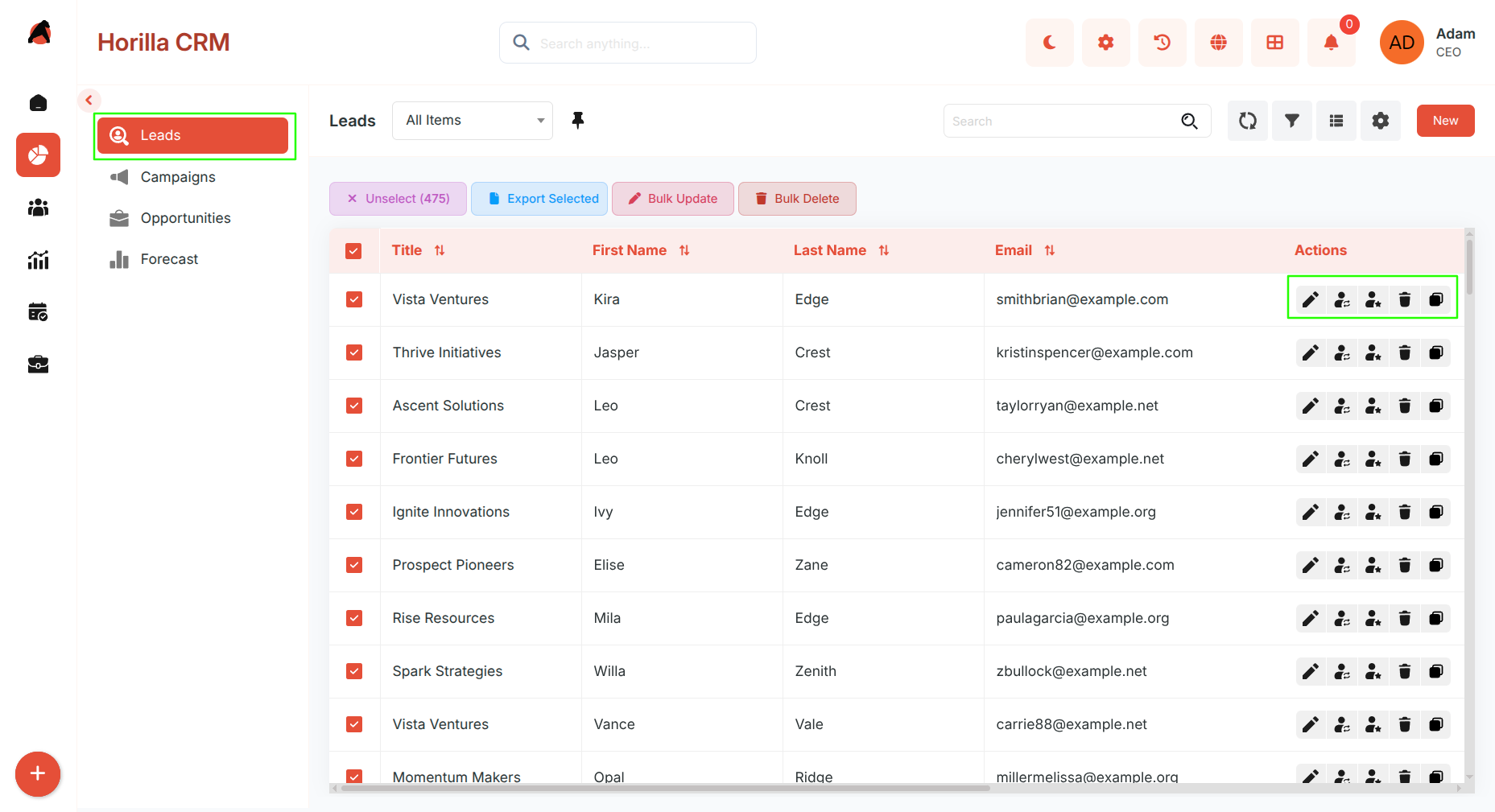
- List View — Centralized lead list with filters, sorting, and bulk actions (Update, Export, Delete).
- Kanban View — Visual representation of leads by stage with drag-and-drop updates.
- Card View — Compact card layout for a quick overview of each lead.
- Group By View — Segment leads by any field (stage, source, owner, industry).
- Chart View — ECharts-based visualizations for lead distribution and trends.
- Split View — Side-by-side list and detail panel for fast review and editing.
- Timeline View — Chronological view of leads based on dates.
- Lead Creation — Multi-step or single-step form capturing basic, company, location, and requirements details.
- Detailed View — Complete lead record with related lists, activities, notes, attachments, and history.
- Conversion — Convert leads into Accounts, Contacts, and Opportunities from the detail view or via the Actions menu in any list view.
1.2 Campaigns Module
Purpose: Plan, execute, and monitor marketing campaigns to generate leads and measure performance.
Access: Sales → Campaigns
Key Features:
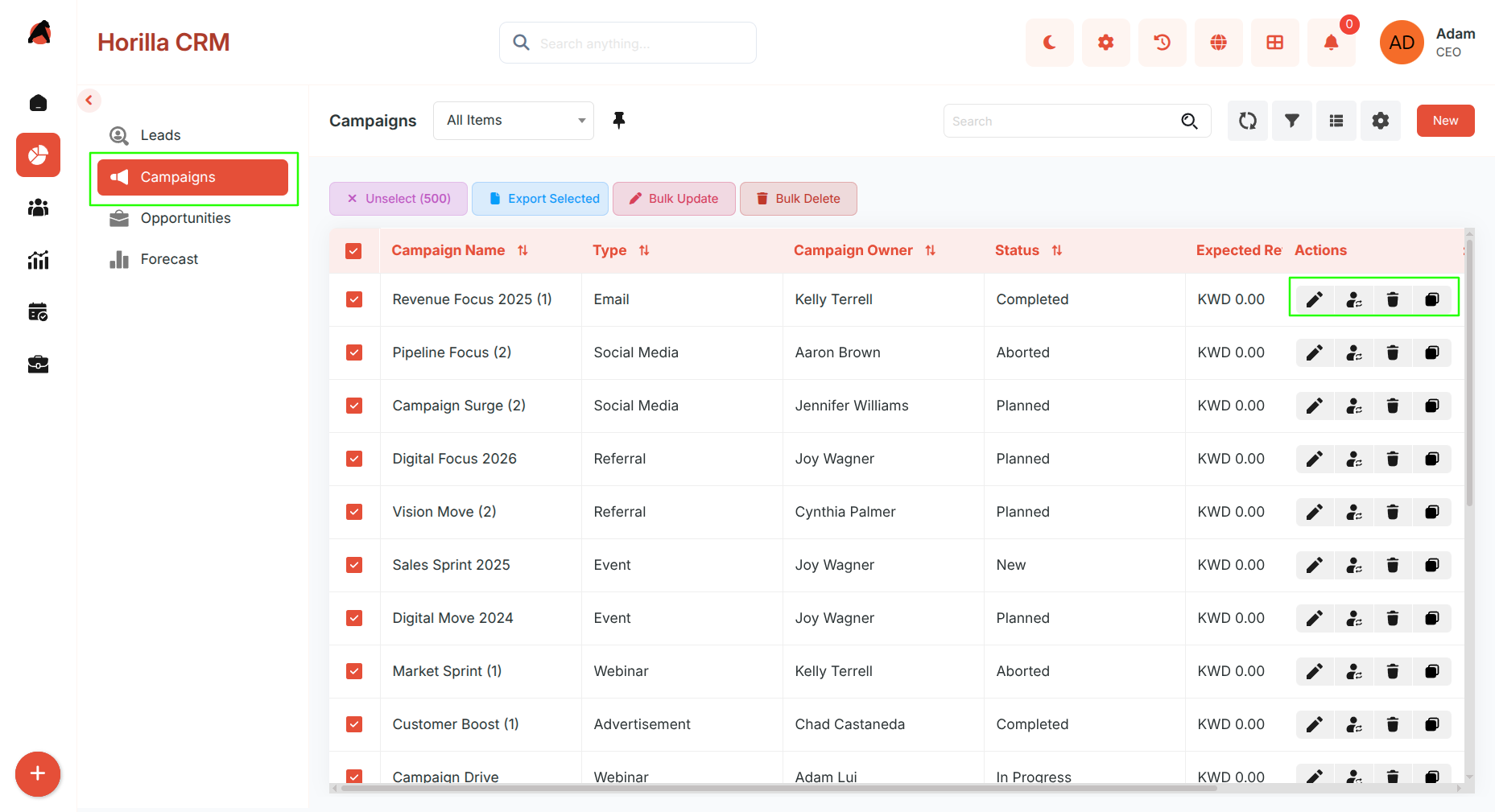
- List View — Consolidated campaign list with search, filtering, and bulk actions.
- Kanban View — Visual board to track campaigns by status or stage.
- Card View — Compact card display for a quick campaign overview.
- Group By View — Segment campaigns by any field for comparative analysis.
- Chart View — Visual campaign performance analytics.
- Split View — Side-by-side campaign list and detail panel.
- Timeline View — Chronological view of campaigns by date.
- Campaign Creation — Step-based form for campaign type, duration, and financials (budget, expected revenue, actual cost).
- Detailed View — Performance stats, related activities, related lists, and campaign history.
- Campaign Hierarchy — View parent-child relationships between campaigns.
- Integration — Direct linkage between campaigns and generated leads or contacts for conversion tracking.
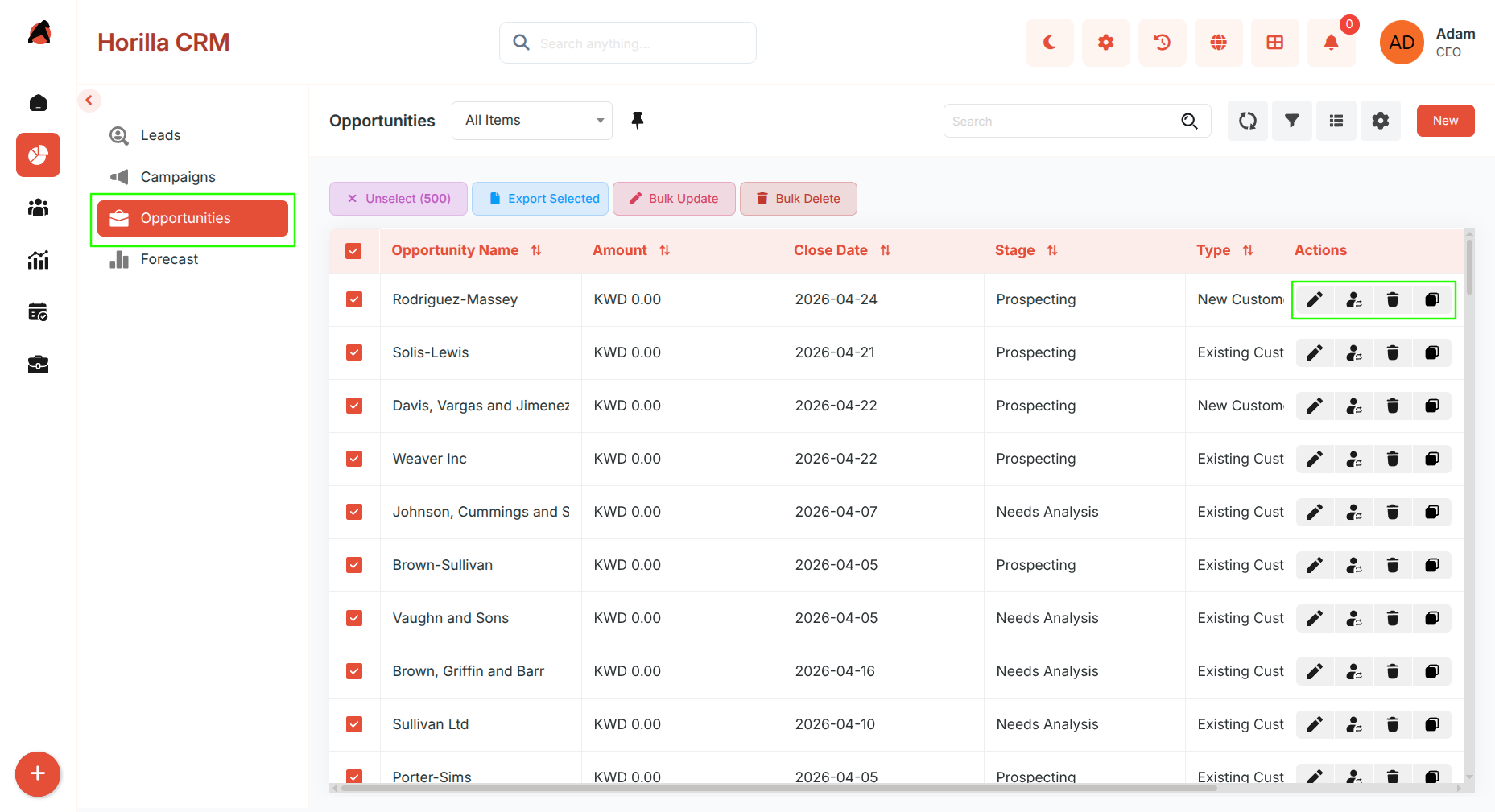
1.3 Opportunities Module
Purpose: Manage deals, track sales progress, and close opportunities efficiently.
Access: Sales → Opportunities
Key Features:
- List View — Comprehensive opportunity list with filters and bulk actions.
- Kanban View — Visual sales pipeline grouped by stage with drag-and-drop updates.
- Card View — Compact card layout per opportunity.
- Group By View — Segment opportunities by stage, owner, source, or any field.
- Chart View — Pipeline health and deal distribution visualizations.
- Split View — Side-by-side opportunity list and detail panel.
- Timeline View — Chronological opportunity tracking.
- Opportunity Creation — Multi-step or single-step form covering basic info, amount, expected close date, and additional sales details.
- Detailed View — Complete record with related lists, contact roles, activities, cadences, and history.
- Stage Management — Update or close opportunities using the progress bar stages.
- Big Deal Alert — Configurable alerts that trigger notifications when high-value opportunities are created or updated.
- Opportunity Split — Distribute revenue credit across multiple team members when team selling is enabled.
- Opportunity Teams — Assign teams to opportunities with Read/Write or Read-Only access control.
- Integration — Direct linkage with accounts, contacts, campaigns, and forecast data.
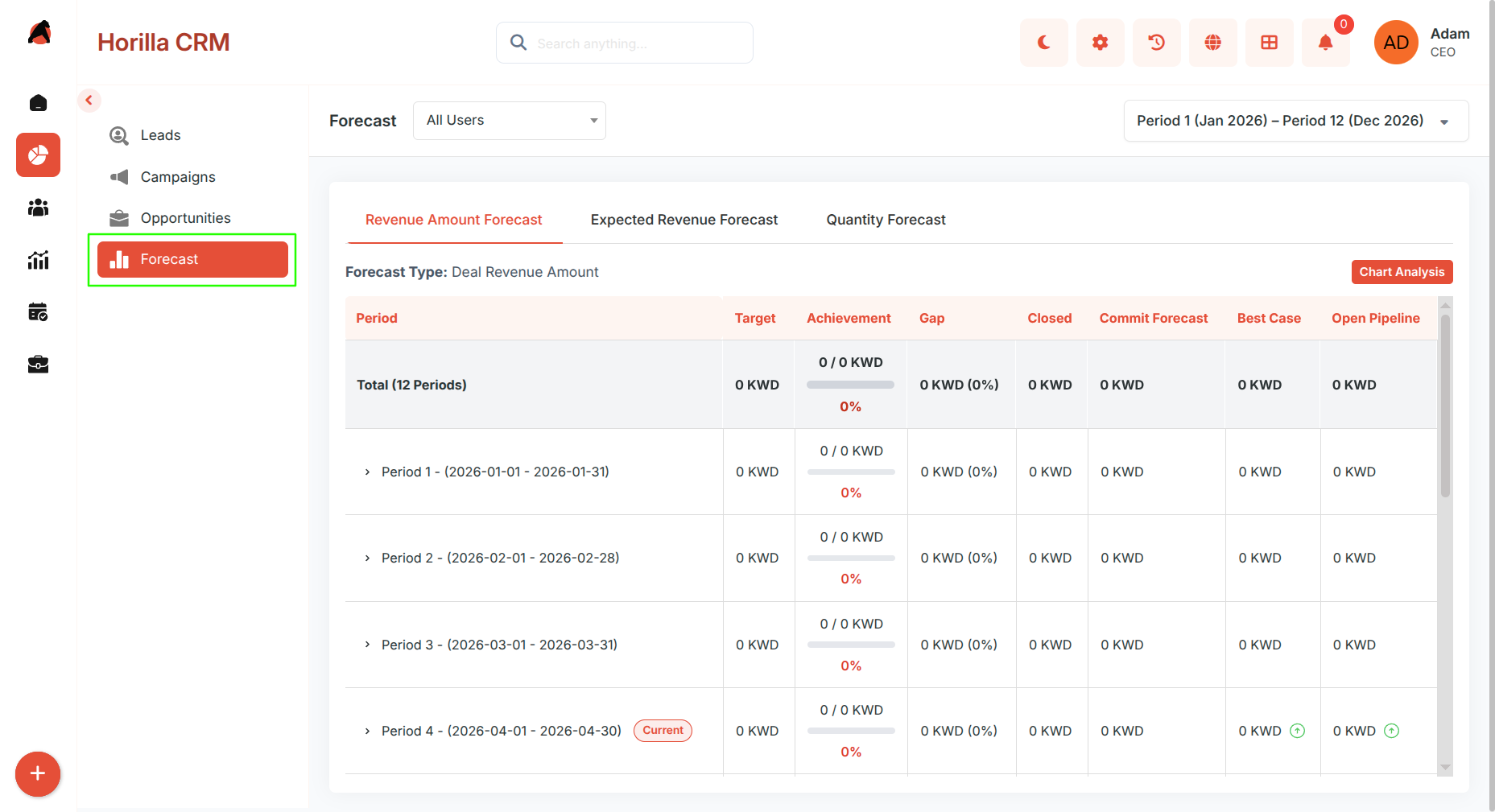
1.4 Forecast Module
Purpose: Set sales targets, track progress, and evaluate performance across periods and teams.
Access: Sales → Forecast
Key Features:
- Forecast Types — Define forecast categories such as Revenue or Quantity with configurable measurement units.
- Target Configuration — Assign targets by user or role for specific periods; supports role-based and condition-based targeting.
- Forecast Dashboard — Visual insights showing targets, achievements, gaps, and pipeline health.
- User-Level Tracking — Drill down by team member, role, or forecast period for granular performance analysis.
- Integration — Syncs with Opportunities for real-time revenue and pipeline calculations.