

Appearance

Horilla CRM Relationship Roles - Functional Guide
Introduction
The Organizational Structure & Role Management module provides administrators with tools to configure and define role hierarchies across teams, customers, and partners. These configurations ensure proper data organization, access control, and efficient collaboration throughout the CRM.
Key Features and Functionalities
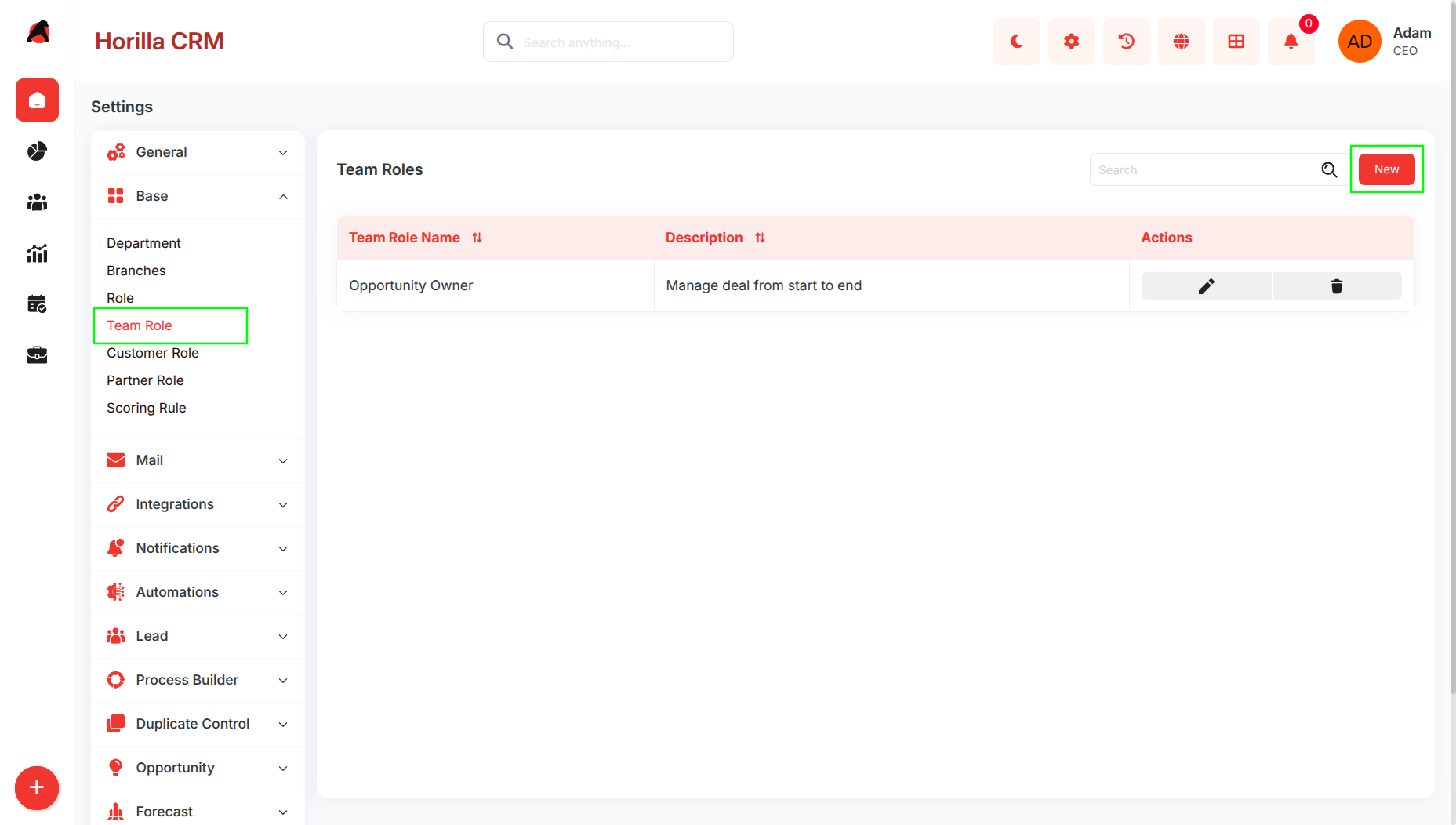
1.1 Team Role Management
Purpose: Establish internal team roles to manage responsibilities and permissions.
- Team roles control feature access, workflow assignments, and collaboration boundaries across different functional groups.
- Team roles define the level of access and responsibility for internal users. They control permissions, feature visibility, and workflow ownership within the organization.
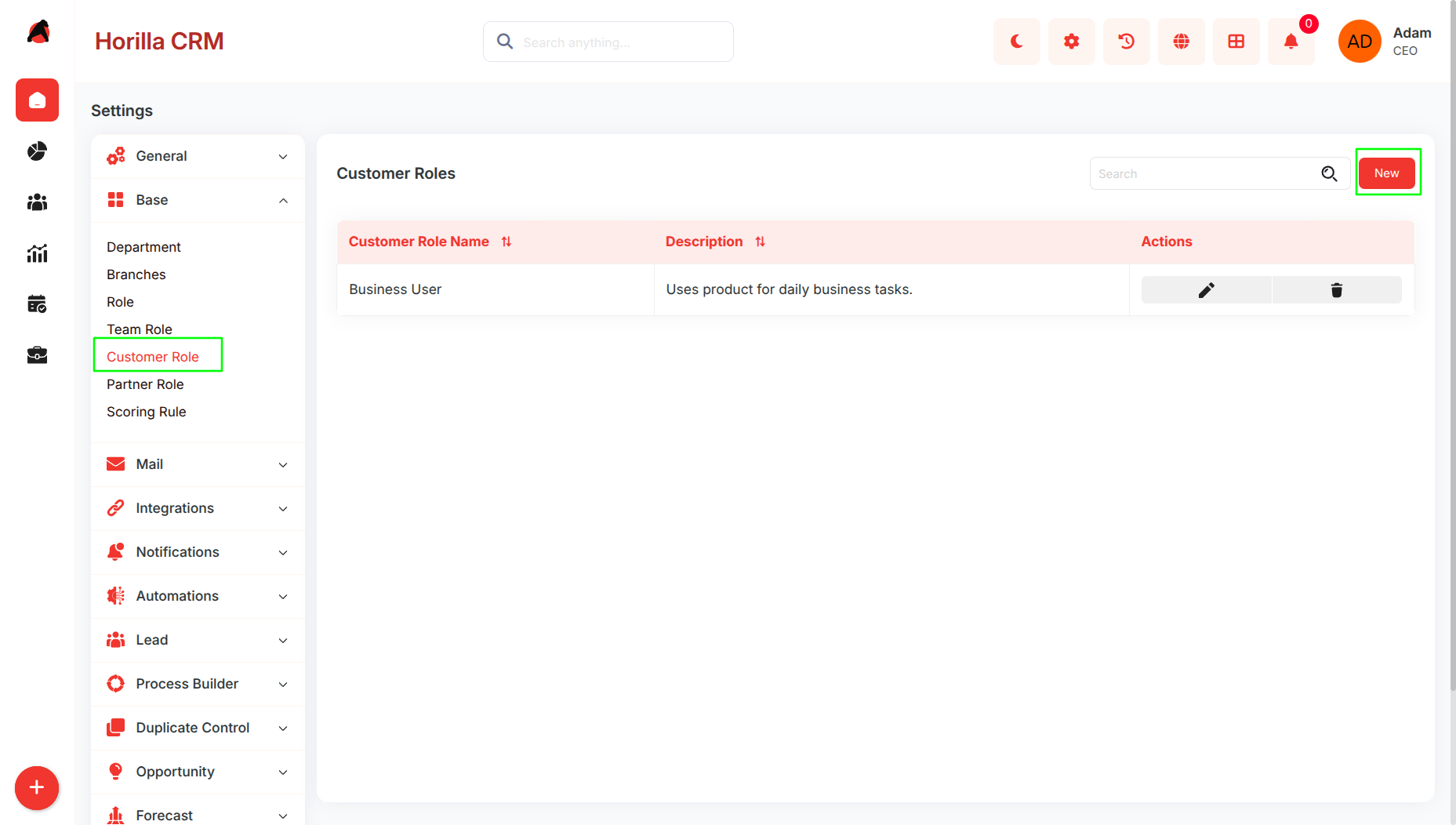
1.2 Customer Role Management
Purpose: Classify customers based on relationship type.
- Customer roles enable tailored communication, workflows, and services aligned to each customer segment.
- Customer roles classify the type of relationship a customer holds (e.g., Prospect, Active Customer, Partner). These roles help tailor communication, processes, and service delivery.
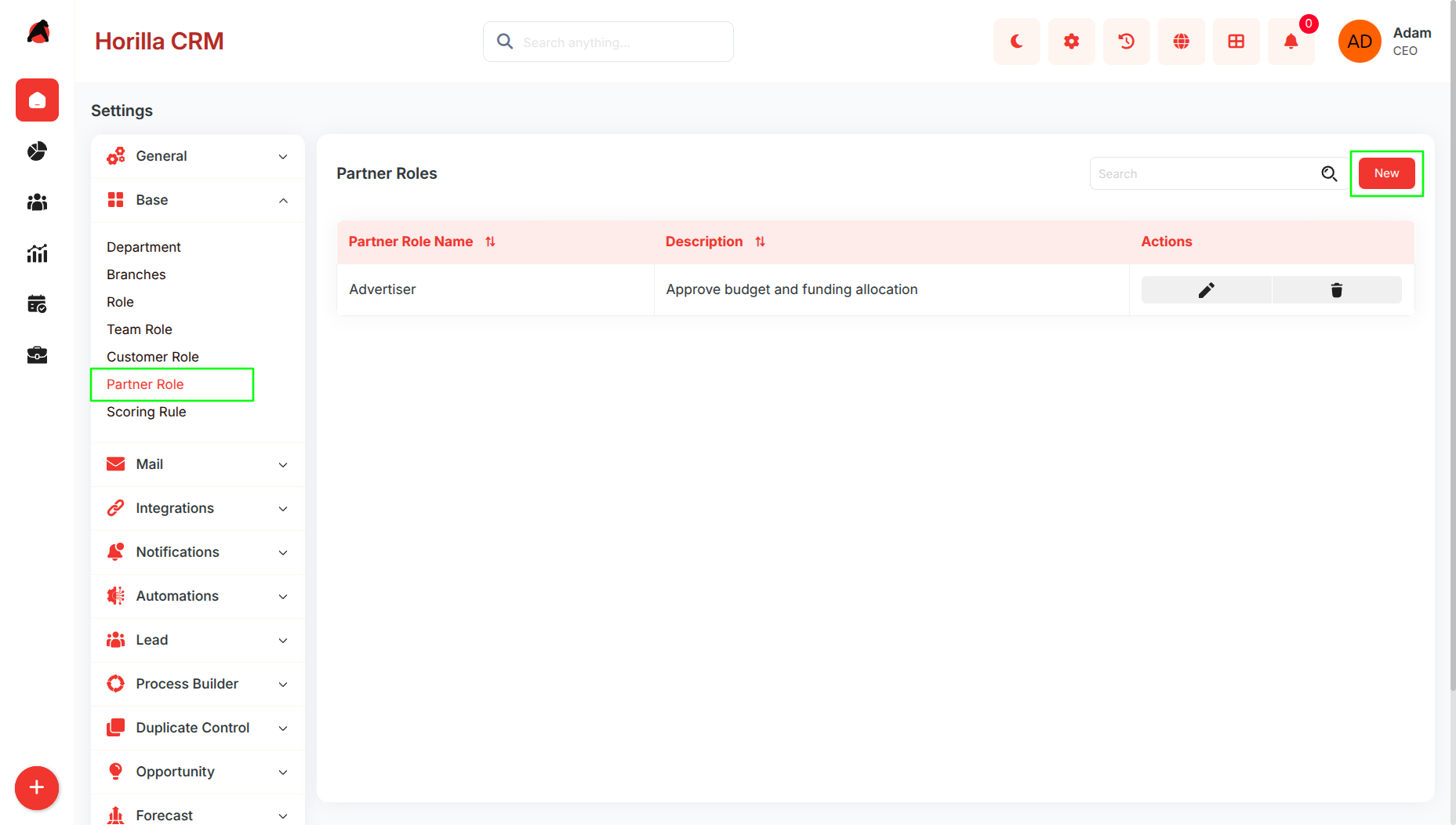
1.3 Partner Role Management
Purpose: Configure partner relationship categories for external collaboration.
- Partner roles define collaboration models, partner hierarchies, and access permissions for joint processes.
- Partner roles define relationship categories for external business partners. They support role-based collaboration, access rights, and partner-specific workflows.
Benefits
Establishes a clear organizational hierarchy for efficient management.
Provides role-based access control to protect sensitive information.
Enhances collaboration across teams, customers, and partners.
Supports personalized engagement strategies for different customer categories.
Improves reporting accuracy by aligning data with organizational structure.
Strengthens partner collaboration with controlled role definitions.